Share invoice link
WBudget Invoice allows you to create a public share link for an invoice. This link provides remote access to the invoice without requiring authentication.
The share link is useful when you need to share an invoice quickly or allow external access without requiring the recipient to log in.
What is this for?
The share link can be used to:
- Share an invoice with customers or partners
- Allow access without login or credentials
- Simplify invoice delivery when email attachments are not ideal
- Provide temporary access to an invoice document
This feature is designed for convenience, not permanent access.
Creating a share link
To create a share link for an invoice:
- Go to Invoices
- Locate the invoice in the Kanban view
- Open the invoice actions menu
- Click Create access link
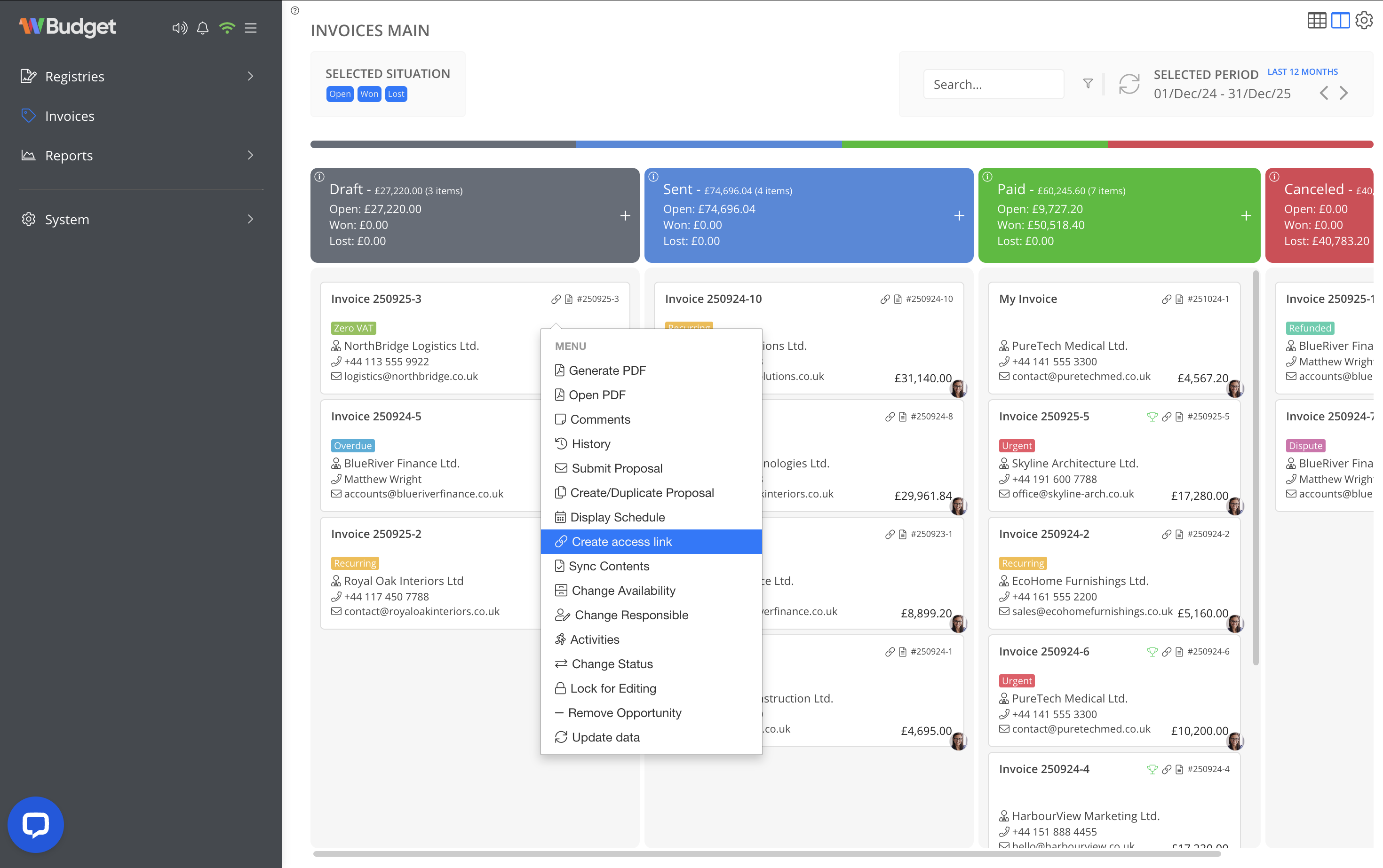
Once created, the system generates a public link to the invoice.
Accessing the shared invoice
Anyone with the share link can:
- View the invoice directly in the browser
- Download the invoice as a PDF
When accessed from a mobile device, the invoice is available as a PDF download.
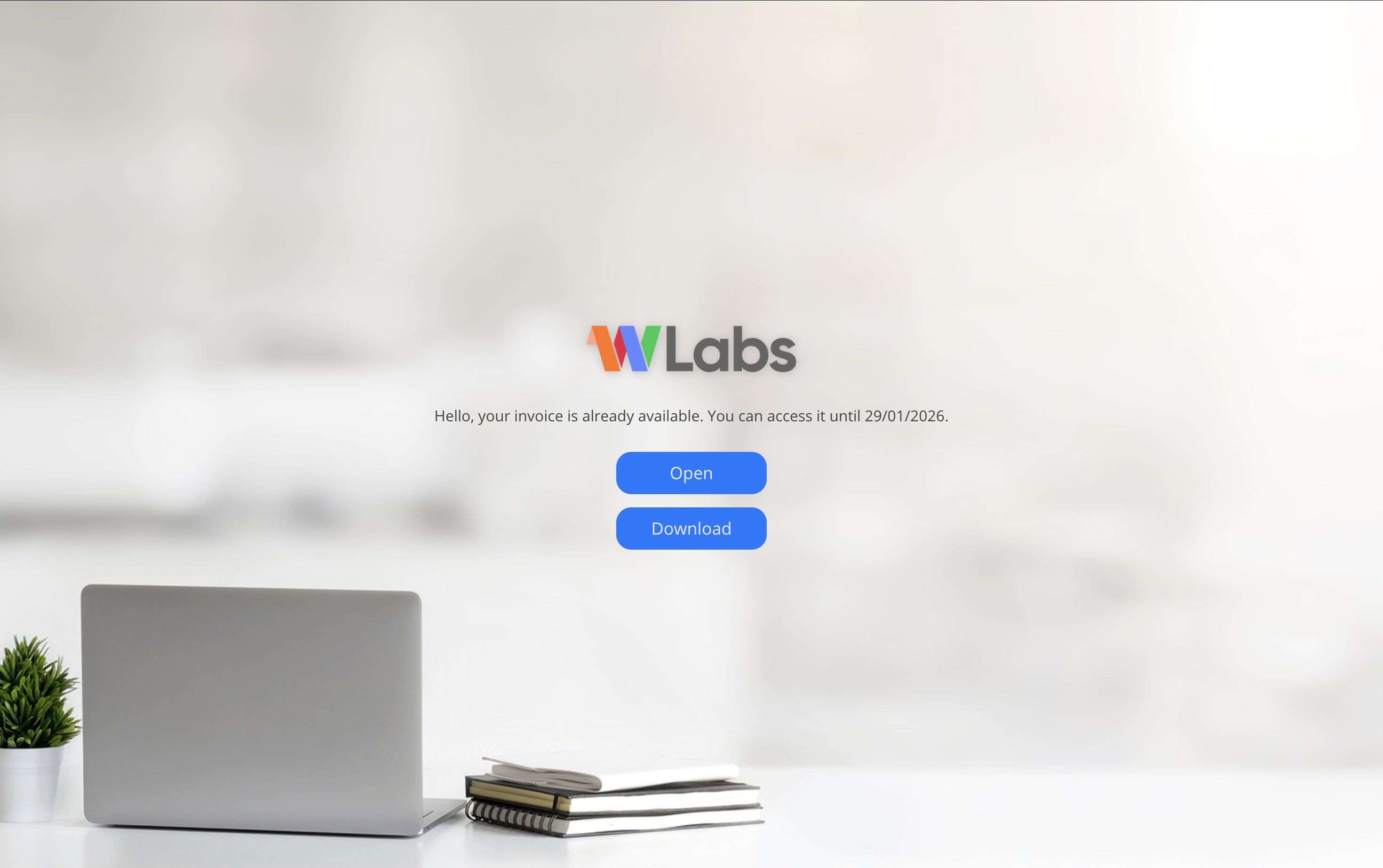
To modify the logo on this page to add your company's logo, go to registries > companies and add an image file for your company.
Link validity and security
- The share link is valid for 30 days after the invoice creation date
- After expiration, the link becomes inaccessible automatically
Important security note
Share links should be distributed with caution.
Anyone in possession of the link can access the invoice while it is valid.
Avoid sharing the link in public channels or unsecured environments.
Notes
- Share links do not allow invoice editing
- Link access does not affect invoice status
- Share links are intended for temporary access only
- Expired links cannot be reused