Invoice Comments
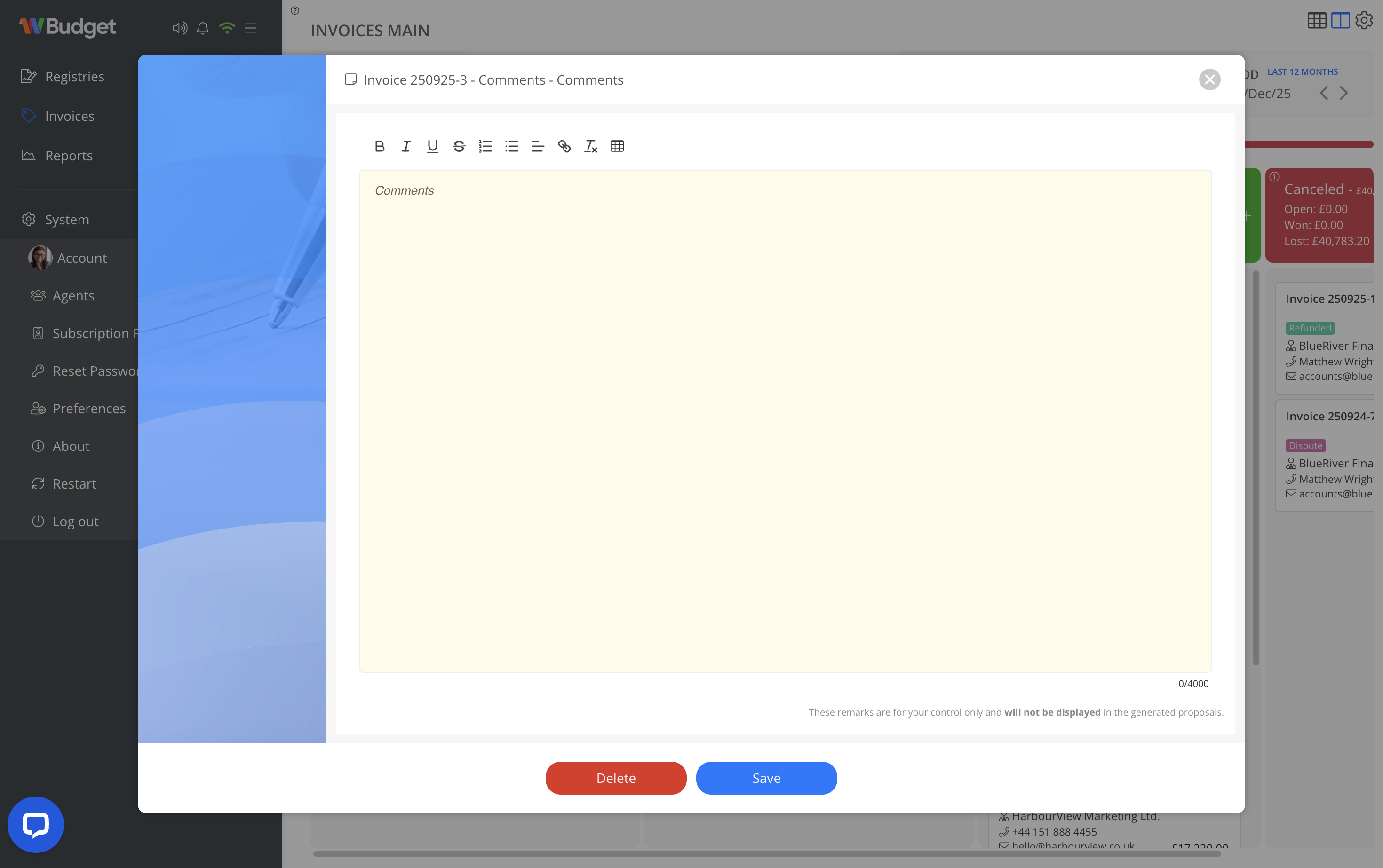
The Comments option allows you to add internal notes to an invoice, supporting internal communication and tracking.
Comment characteristics
- Intended for internal use only
- Not displayed in the invoice PDF
- Not visible to customers
- Supports rich text formatting
How to add comments
- Open the invoice context menu.
- Select Comments.
- Enter your notes.
- Save to store the comment.
Best practices
- Use comments to record negotiations, internal notes, or follow-ups.
- Avoid including information intended for customer visibility.