Invoice Availability
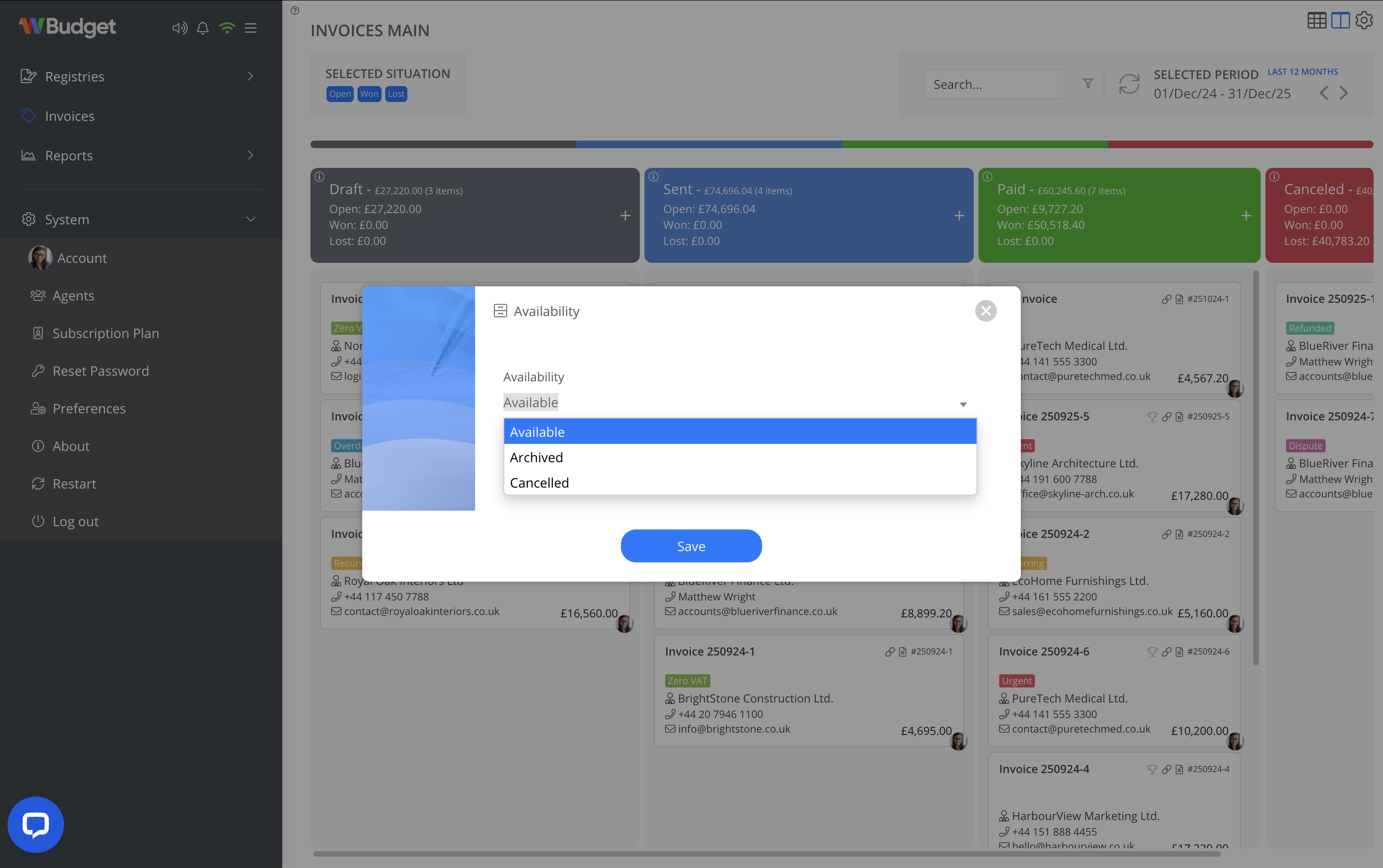
The Availability option controls the operational availability of an invoice within the system, without altering its financial data.
Available states
An invoice can be set to one of the following states:
-
Available
The invoice is active and fully operational. -
Archived
The invoice is kept for reference and historical purposes and removed from main workflows. -
Cancelled
The invoice is cancelled but retained for audit and reporting purposes.
How to change availability
- Open the invoice context menu.
- Select Availability.
- Choose the desired state.
- Save the change.
Notes
- Changing availability does not delete the invoice.
- Archived and cancelled invoices remain accessible for reporting and auditing.