Invoice History
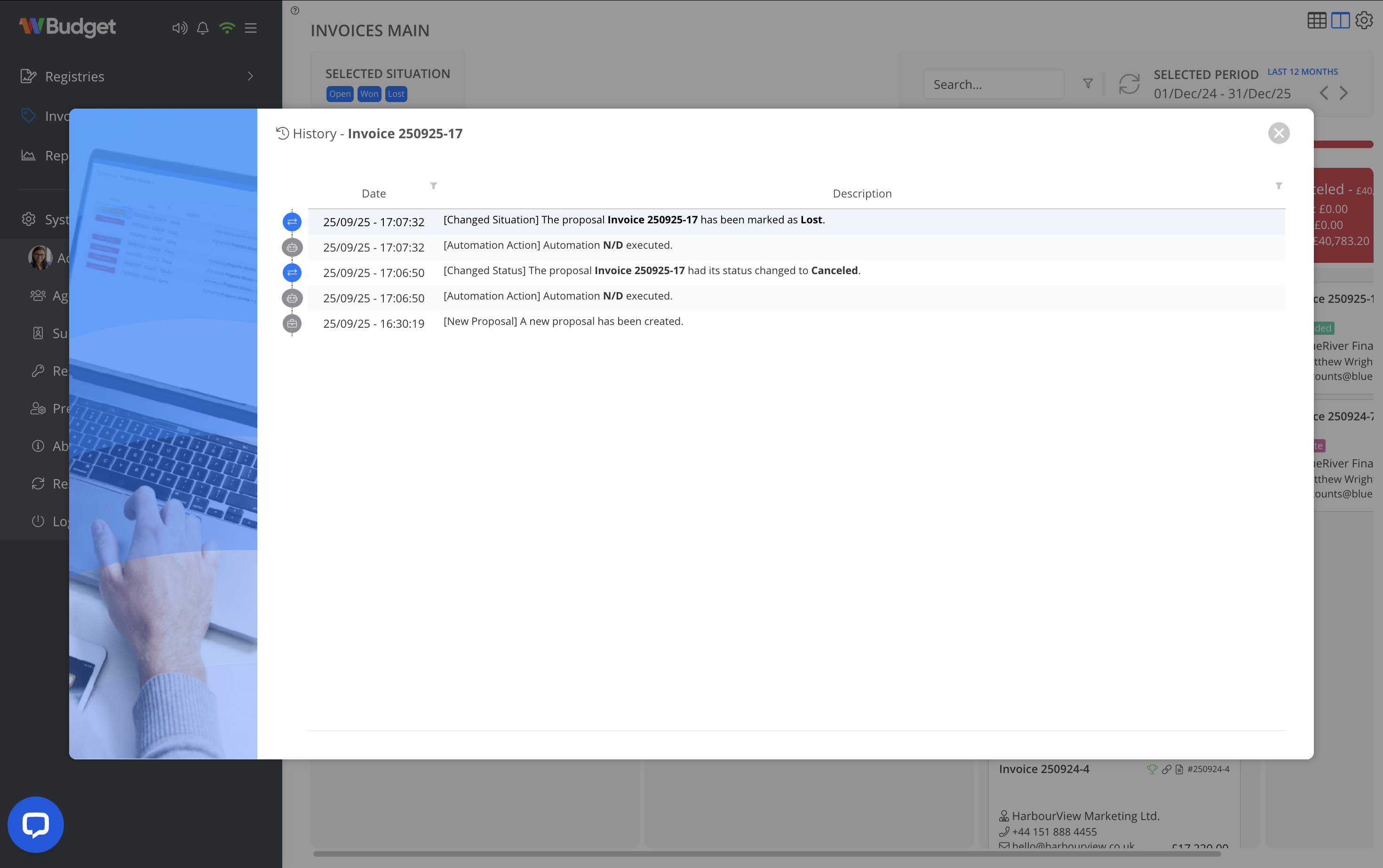
The History option displays the complete audit trail of an invoice, ensuring transparency and traceability of all actions performed.
What is recorded
The invoice history includes:
- Invoice creation
- Status changes (Draft, Sent, Paid, Cancelled, etc.)
- Responsible user changes
- Automated system actions
- Relevant manual updates
How to access
- From the Invoices view, open the context menu on the invoice.
- Select History.
Important
- The history is read-only.
- Entries cannot be edited or deleted.
- This feature is part of WBudget’s data consistency and audit policy.