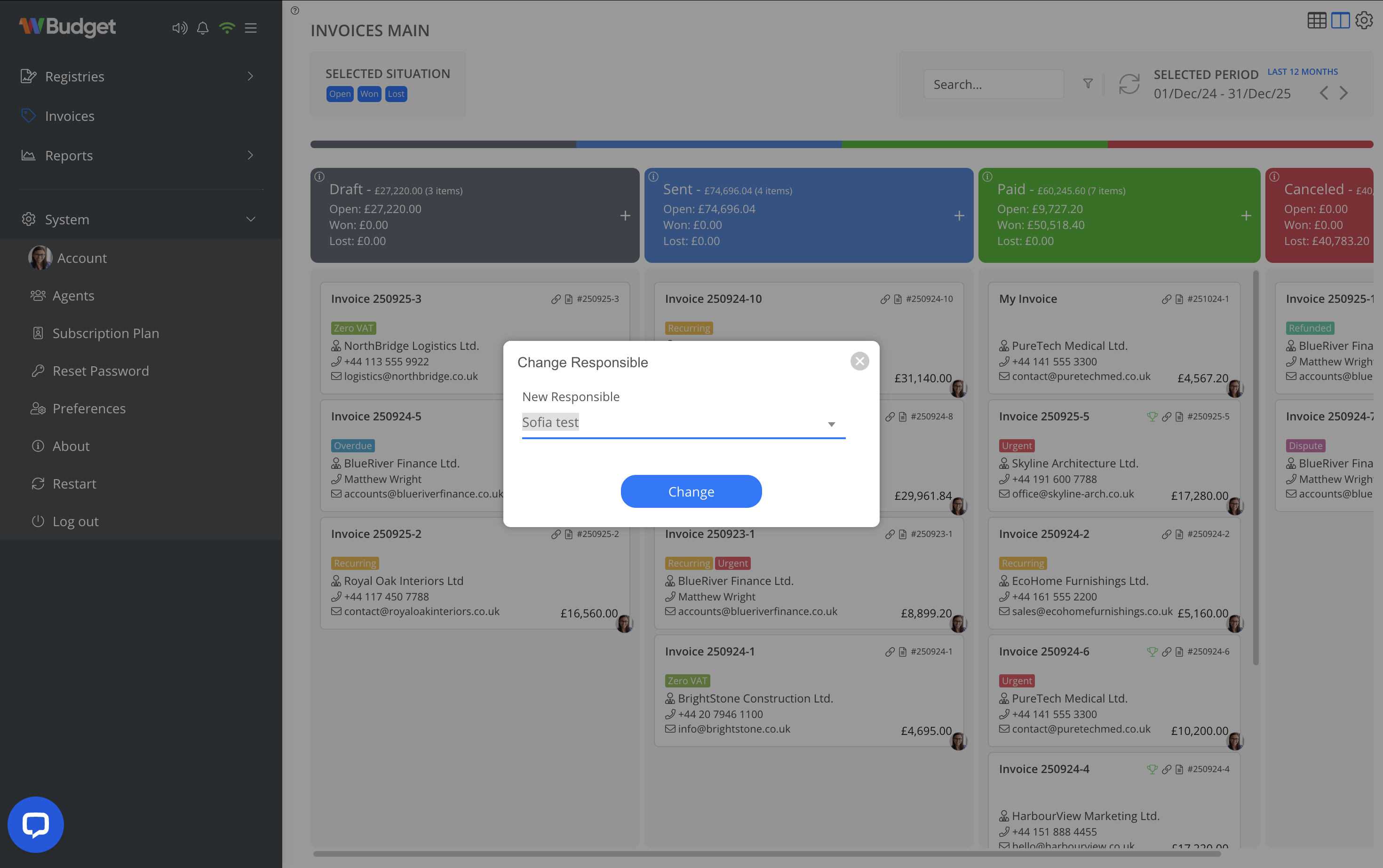
Change Responsible
The Change Responsible option allows you to quickly update the person responsible for an invoice directly from the context menu, without opening the full edit view.
This is especially useful for:
- Reassigning invoices between sales representatives or agents
- Managing responsibility during absences or holidays
- Administrative corrections
How it works
- In the Invoices (Kanban) view, locate the desired invoice.
- Right-click (or open the context menu) on the invoice card.
- Select Change Responsible.
- Choose the new responsible user from the list.
- Confirm the change.
Important notes
- The change is automatically recorded in the invoice history.
- The newly selected responsible user is reflected immediately.
- This action does not modify values, items, or invoice status.